
How I Automate 24/7 Customer Support for $10/Month (No SaaS Subscriptions)
How I Automate 24/7 Customer Support for $10/Month (No SaaS Subscriptions)
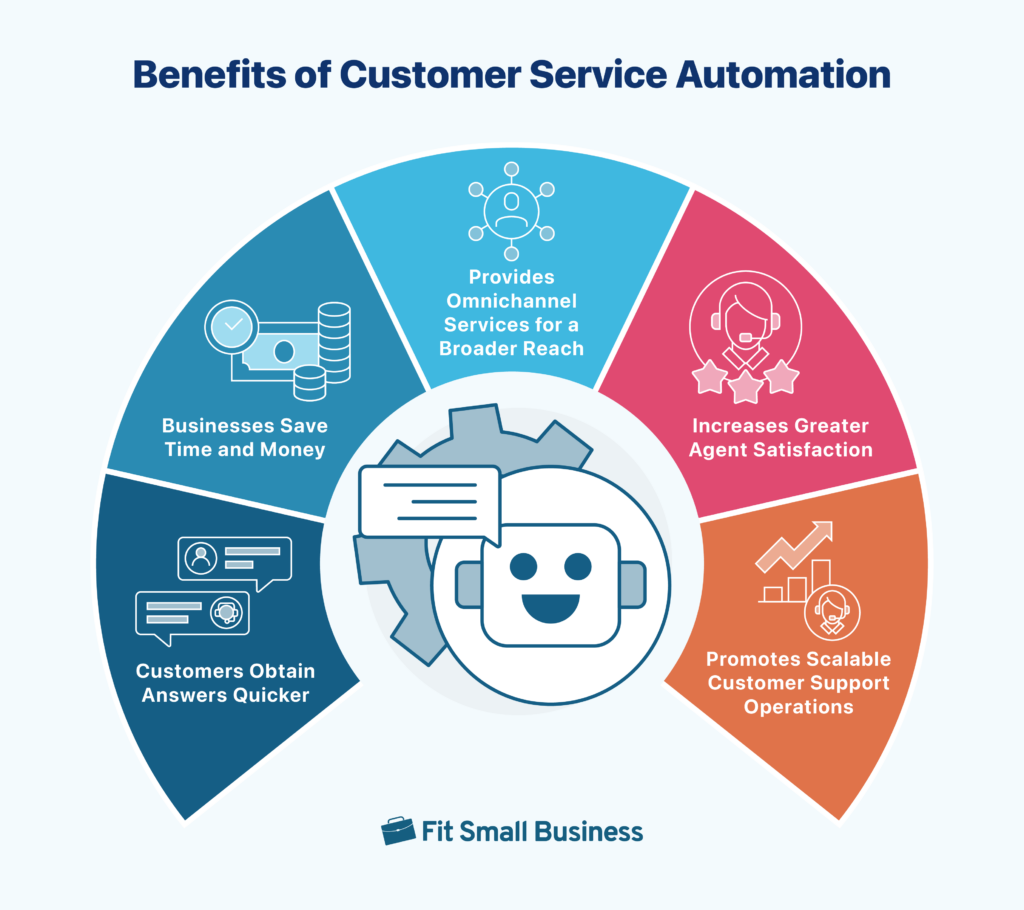
I run a small business, which means I wear every hat—including the “Customer Support at 2 AM” hat.
For a long time, I thought my only options were:
Hire staff: Too expensive.
Buy a SaaS Chatbot tool: You know the ones—Intercom, Drift, or Zendesk. They look great until you see the pricing. $99/month per seat? Plus extra fees for “AI features”? No thanks.
So I built my own system.
Using a simple Virtual Private Server (VPS) and some open-source tools, I now have an AI agent that handles emails, WhatsApp inquiries, and FAQs 24/7. It doesn’t sleep, it doesn’t complain, and it costs me less than a Netflix subscription.
Here is how you can do it, and why a VPS is the only way to go.
The “SaaS Trap” vs. The VPS Route
When you sign up for a chatbot service, you aren’t paying for the AI. You are paying for the convenience of their dashboard.
Most of these services just wrap around the OpenAI (ChatGPT) API anyway. They charge you a 500% markup just to send your customer’s message to ChatGPT and send the answer back.
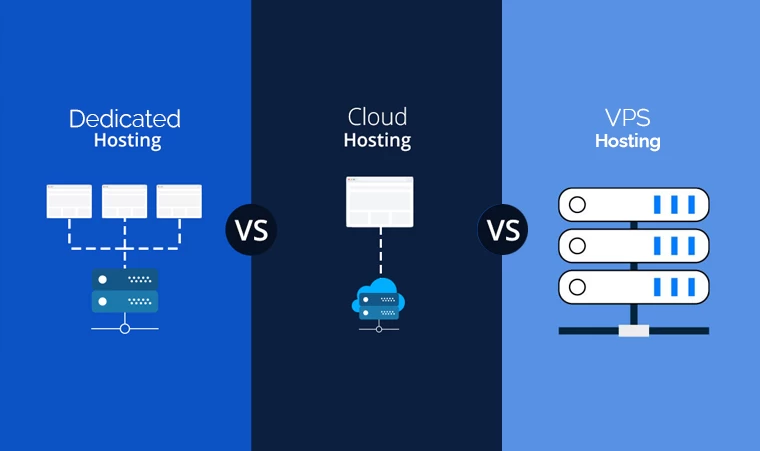
The Self-Hosted Alternative: Instead of paying a middleman, you rent a “slice” of a server (a VPS). You run a simple script (using Python or Node.js) that connects your WhatsApp/Email directly to the AI.
Cost of SaaS: $100 – $500/month.
Cost of VPS: ~$10/month.
Control: 100%. No “message limits” or “feature gates.”
What Can You Actually Build on a VPS?

I currently run three specific automations on my server. You don’t need to be a coding wizard to set these up (there are templates for all of them):
1. The WhatsApp Auto-Responder
The Tool: I use a self-hosted instance of n8n (an open-source workflow automation tool) or a simple Python script using the Meta API.
How it works: When a customer messages my business WhatsApp, the VPS receives the text, sends it to the AI to generate a polite reply, and sends it back to the customer instantly.
Result: “Hey, are you open?” gets answered in 3 seconds at midnight.
2. The Email Triage Bot
The Tool: A Python script running 24/7 as a background service (systemd).
How it works: It scans my support@ inbox. If it sees a common question (like “Where is my order?”), it drafts a reply, looks up the order status in my database, and sends it.
Result: I only wake up to deal with actual problems, not routine questions.
3. The Lead Filter
How it works: The bot asks qualifying questions on my website chat. “What is your budget?” “When do you need this?” It filters out tire-kickers before I ever speak to them.
The Hardware: Why Your Laptop Can’t Do This
You might think, “Can’t I just run this script on my office computer?” No.
Uptime: If your computer goes to sleep or restarts for an update, your customer support goes offline.
Latency: A residential internet connection has high “ping.” An AI bot needs to respond instantly to feel natural.
Static IP: To connect to WhatsApp or Email APIs securely, you need a server with a fixed, public IP address.
Choosing the Right VPS (Don’t mess this up)

This is where many people fail. They buy the cheapest $2 server they can find, and then wonder why their bot crashes.
For AI automation, you need three things:
RAM: Python scripts and automation tools like n8n are memory-hungry. 2GB of RAM is the absolute minimum. Don’t try 512MB; it will crash.
Network Stability: If your server disconnects for even a second, you might miss a customer’s message webhook. You need “Enterprise-grade” uptime.
Connectivity: Your bot needs to talk to APIs (like OpenAI or Twilio) constantly. You need a network that connects directly to these major hubs.
Why I Host My Bots on RAKsmart
I moved my automation stack to RAKsmart last year, and I haven’t looked back.
Reliability: I use their Elastic Cloud VPS. It allows me to scale up if I suddenly get 1,000 messages during a sale, and scale down when things are quiet.
Global BGP Network: This is the game-changer for US-based businesses. RAKsmart uses a Global BGP (Border Gateway Protocol) blend, meaning they peer directly with major Tier 1 carriers.
Why this matters: When my bot sends a request to the OpenAI API (hosted in the US), it takes the shortest, fastest path. There’s no lag. My WhatsApp replies feel instant because the data isn’t bouncing around cheap, congested networks.
No “Overselling”: On other budget hosts, my bot would sometimes lag because other users were hogging the CPU. On RAKsmart, the performance is consistent 24/7.
Ready to Automate?

Stop paying $100/month for a “Smart Inbox” that you don’t own. Grab a 4GB RAM VPS from RAKsmart, install a simple automation script, and let the server do the work while you sleep.
👉 Check out RAKsmart
Leave a Reply