
Overview
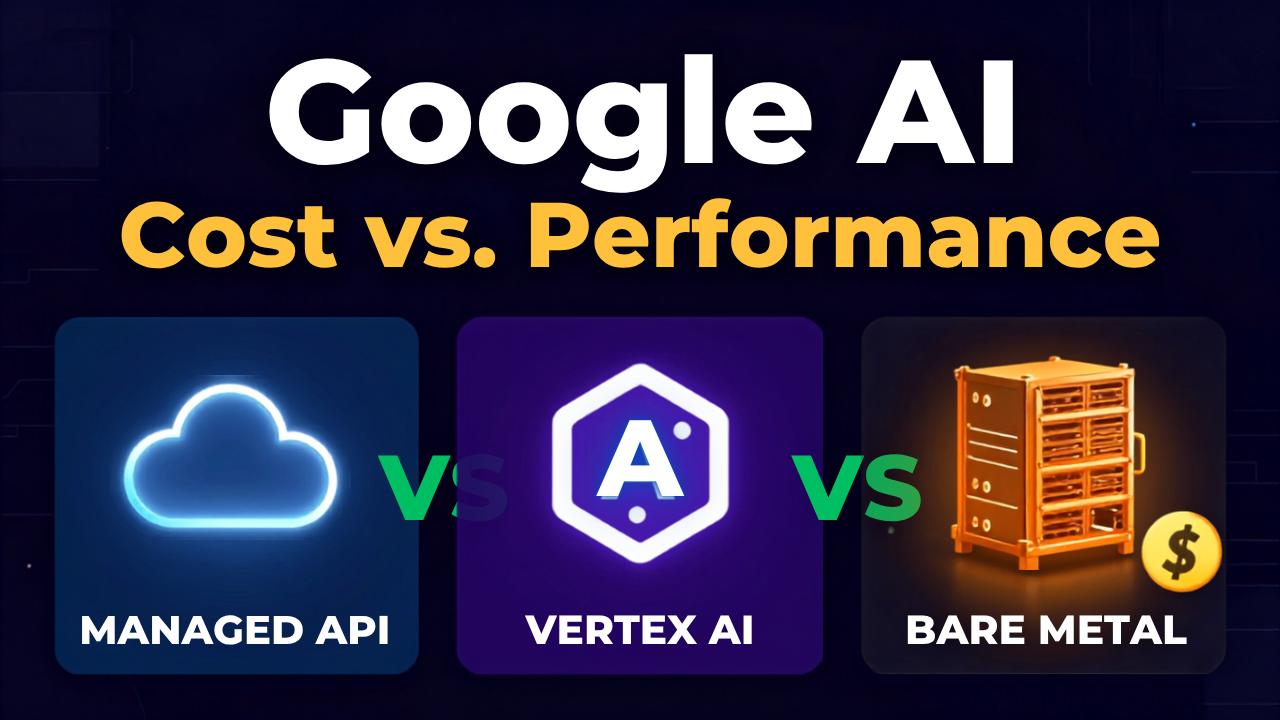
The term “Google AI” encompasses a spectrum of services, from simple API calls to complex machine learning platforms, and selecting the right deployment path is fundamentally an economic and performance trade-off. Your core decision involves balancing the convenience and scalability of Google’s managed offerings (Gemini API, Vertex AI) against the predictable cost and raw performance control of self-hosted infrastructure on dedicated hardware. This analysis breaks down when each option makes financial and technical sense for your specific workload.
What Core Factors Determine the Best Google AI Deployment Path?
Your primary workload type—whether it’s inference, training, or hybrid—dictates the optimal infrastructure, with cost predictability and data sovereignty as critical secondary factors. The choice isn’t merely about features; it’s about aligning the service model with your operational and budgetary reality.
Consider these three primary deployment models:
- The Gemini API Path: A pure consumption model where you pay per token or request. This is optimal for application developers needing state-of-the-art language and multimodal capabilities without any infrastructure management. Your cost scales linearly with usage, offering maximum flexibility but potentially high variable expenses at scale.
- The Vertex AI Platform: Google Cloud’s managed environment for the full ML lifecycle. It bridges the gap by allowing you to use Google’s models or train and deploy your own models on managed infrastructure. This is for teams that need integrated tools for data labeling, training, and deployment but prefer to avoid hardware management.
- The Self-Hosted Bare Metal Path: Deploying open-source models (like Llama, Mistral) or fine-tuned proprietary models on dedicated GPU servers you control. This requires more technical overhead but provides fixed costs, full hardware control, and data sovereignty. It is ideal for predictable, high-throughput inference or specialized training jobs where cloud egress fees and variable compute costs become prohibitive.
Comparing the Economics: API Calls vs. Fixed Server Costs
For stable, high-volume workloads, a dedicated server often provides a lower and more predictable total cost of ownership than pay-per-call APIs. The break-even point depends entirely on your usage patterns.
| Cost Component | Gemini API / Vertex AI (Managed) | Self-Hosted Bare Metal Server |
|---|---|---|
| Pricing Model | Variable: Pay-per-token, per-hour for training. | Fixed: Monthly or annual hardware lease. |
| Cost Predictability | Low to Moderate. Costs can spike with usage. | High. Fixed monthly fee allows precise budgeting. |
| Egress Fees | Yes. Data transfer out of Google Cloud incurs fees. | No. Typically included in bandwidth allocation. |
| Hardware Control | None. You select a GPU type, not the specific card. | Full. You choose exact GPU models (e.g., NVIDIA A100 80GB). |
| Scalability | Instant. Scale API quota or add Vertex AI nodes on-demand. | Manual. Requires provisioning and deploying new servers. |
| Overhead | Minimal. No infrastructure management. | Requires DevOps/MLOps expertise for setup and maintenance. |
The Calculus: If your workload is bursty, unpredictable, or tightly integrated with the Google Cloud ecosystem, the managed path’s flexibility is worth the premium. If your workload is constant, high-throughput, and you have the technical team to manage it, the fixed cost of a dedicated server—such as those available from providers like RAKsmart—will almost always be cheaper at scale. For example, processing 1 million images daily via a Vision AI API call could cost hundreds of dollars, whereas a dedicated server with appropriate GPUs handles the same load for a flat monthly fee.
When Does a Dedicated Server for Google AI Workloads Make Sense?
You should evaluate dedicated infrastructure when your project requires predictable performance for training or inference, strict data control, or when cumulative API costs are projected to exceed the cost of hardware.
Key scenarios pointing toward a self-hosted solution include:
- High-Throughput Inference: Serving your own fine-tuned model for millions of daily requests. A cluster of servers with NVIDIA RTX 4090 or A6000 GPUs can deliver consistent latency at a fixed cost.
- Model Training and Fine-Tuning: Running repeated training jobs on large datasets. The variable cost of cloud GPU hours (e.g., for Vertex AI Training) can dwarf the cost of owning or leasing a powerful training server with NVIDIA H100 or A100 GPUs.
- Data Sovereignty Requirements: Processing sensitive data (healthcare, finance, legal) that cannot leave your physical infrastructure or a specific geopolitical boundary.
- Algorithmic Research & Development: Requiring full control over the software stack, kernel modules, and GPU drivers to optimize performance for novel model architectures.
Mapping Workloads to Hardware: A Practical Guide
Matching your Google AI task to the right server spec is crucial for avoiding over-provisioning or bottlenecking.
- For Serving Gemini API Applications: Your primary server hosts your application logic that calls the API. Focus on fast CPUs and low-latency network to Google’s endpoints. A standard dedicated server with an Intel Xeon/AMD EPYC CPU and 32GB+ RAM is sufficient.
- For Running Open-Source LLM Inference (e.g., Llama 3, Mistral): VRAM is king. A single NVIDIA RTX 4090 (24GB) can run many 7B-13B parameter models. For larger models (70B+), you need multiple GPUs or high-VRAM cards like the NVIDIA A100 (80GB).
- For Vision AI or Other Model Inference: Consider throughput. NVIDIA RTX 4090 GPUs offer exceptional images-per-second performance for many computer vision tasks at a lower cost than datacenter GPUs.
- For Model Training: This demands top-tier GPUs with massive VRAM and fast interconnects. NVIDIA A100 (80GB) or H100 (80GB) GPUs are the standard for efficient training of large language models.
Decision Framework: Checklist for Your Google AI Infrastructure
Use this checklist to guide your evaluation process:
- Analyze Your Workload: Is it mostly API calls, custom model training, or model inference?
- Forecast Your Volume: Estimate monthly API tokens/requests or training dataset size and epochs.
- Calculate the Break-Even Cost: Model the projected monthly API bill vs. the fixed cost of a dedicated server with equivalent GPU power.
- Define Latency Requirements: Is sub-100ms response time critical for your end-users? Geographic placement matters.
- Assess Data Regulations: Does your data have residency or privacy constraints that rule out public cloud APIs?
- Evaluate In-House Expertise: Do you have the engineering resources to manage and optimize dedicated servers?
Why Server Location Matters for Google AI Performance
The physical location of your infrastructure significantly impacts latency. For applications that call Google AI APIs, deploying your application server in a data center with high-speed peering to Google’s network can reduce round-trip time. For self-hosted models serving end-users, placing servers in hubs like Los Angeles or Tokyo ensures low-latency access for both North American and Asian audiences. RAKsmart’s global data center presence allows you to deploy GPU servers strategically, placing your AI inference close to your users for optimal performance.
FAQ
What is the main difference between using the Gemini API and Vertex AI?
The Gemini API provides direct, stateless access to Google’s Gemini models via simple API calls, ideal for application developers. Vertex AI is a comprehensive, managed platform for the entire machine learning lifecycle, allowing you to use Google models or train, deploy, and manage your own custom models on Google Cloud infrastructure.
Can I run Google’s Gemini models on my own bare metal server?
You cannot directly run the proprietary Gemini models on your own infrastructure. However, you can host and serve open-source large language models (like Llama, Mistral, or Falcon) on dedicated GPU servers, which may offer a cost-effective alternative depending on your performance requirements and budget.
How do I calculate if a dedicated server is cheaper than the Gemini API?
Estimate your monthly API usage (e.g., tokens processed) and multiply by the per-token price. Then, compare that total to the monthly cost of a dedicated server with GPUs that can handle the equivalent workload. Remember to factor in potential cloud egress fees and the value of predictable fixed costs.
What kind of GPU server do I need for fine-tuning an AI model?
For fine-tuning large language models, you need servers with high-VRAM GPUs. NVIDIA A100 (80GB) or H100 (80GB) GPUs are the industry standard for efficient training. For smaller models or specific vision tasks, NVIDIA RTX 6000 Ada (48GB) or RTX 4090 (24GB) can be cost-effective choices.
Does server location affect the performance of AI applications using Google APIs?
Yes. Network latency between your application and Google’s API endpoints can impact response times. While Google has a vast network, deploying your application servers in regions with major internet exchange points or near Google Cloud’s own data centers can help minimize this latency for a better user experience.
Conclusion
Navigating the Google AI ecosystem requires a clear-eyed assessment of your project’s technical needs and financial boundaries. The managed services like the Gemini API and Vertex AI offer unmatched convenience and scalability, perfect for variable workloads and teams focused on application logic over infrastructure. However, for predictable, high-volume inference or training workloads, dedicated bare metal servers provide a compelling economic alternative with fixed costs and full control over performance.
To make the right choice, start with your workload. If you’re looking for a predictable, high-performance foundation for your self-hosted AI models, exploring a dedicated GPU server solution is a logical next step. You can evaluate options that align with your performance targets and budget, such as the bare metal offerings designed for AI workloads.